
Your phone was at 80% when you left home. By lunch it’s gasping at 20%. Sound familiar? Before you buy a new phone or a bigger power bank, try this: most battery drain comes from a handful of settings and habits you can fix in minutes. Here are 12 proven tips that actually extend your phone’s battery life — no sketchy “battery saver” apps required.
Quick Wins (Do These First)
- Turn on adaptive brightness and dark mode — the display is the biggest battery hog
- Keep your charge between 20% and 80% for long-term battery health
- Restrict background app refresh for apps you rarely open
- Switch from 5G to 4G when you don’t need the speed
- Use Wi-Fi instead of mobile data whenever possible
Display Settings: Where Most Battery Goes
1. Turn On Adaptive Brightness
Your screen is the single biggest drain on your battery. Adaptive brightness (called Auto-Brightness on iPhone) uses the ambient light sensor to dim your display indoors and brighten it only in sunlight. Most people run their screen far brighter than needed — letting the phone manage it typically saves 10–20% over a day, a simple way to make phone battery last longer.
2. Use Dark Mode
On OLED and AMOLED screens — which most 2026 phones have — black pixels are literally turned off. Dark mode across the system and your most-used apps can cut display power dramatically, especially if you spend hours in messaging and social apps. Pair it with a dark wallpaper for maximum effect.
3. Lower Your Refresh Rate
That silky 120Hz display looks great and drinks power. Most phones let you switch to 60Hz or an adaptive mode (1–120Hz) in display settings. If your phone offers adaptive refresh, use it — you keep the smoothness when scrolling and save power when the screen is static.
4. Shorten Screen Timeout
Set your screen to turn off after 30 seconds instead of 2 minutes. It sounds trivial, but every time you set your phone down without locking it, those extra 90 seconds of lit screen add up across a day.

Manage What Runs in the Background
5. Restrict Background App Refresh
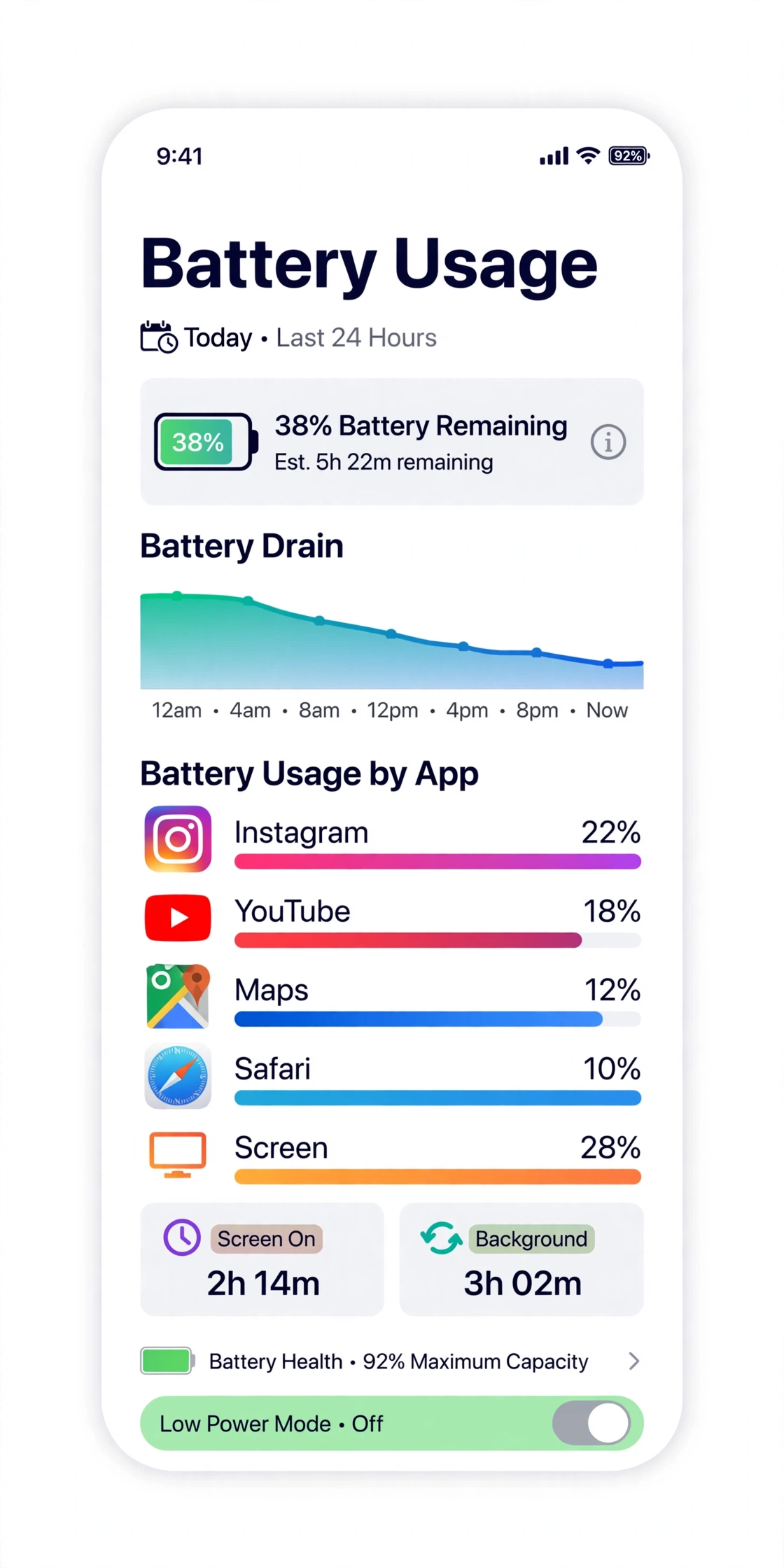
Social media, shopping, and news apps love refreshing in the background — burning data and battery for content you may never open. On iPhone: Settings → General → Background App Refresh, and disable it for anything non-essential. On Android: check each app’s battery usage and restrict the worst offenders.
6. Tame Location Services
GPS is a notorious battery killer. Set location access to “While Using the App” instead of “Always” for everything except navigation and ride-sharing apps. Few apps genuinely need your location 24/7.
7. Cut Down Notifications and Vibration
Every notification wakes your screen, CPU, and radios. Audit your notification settings and silence the noisy group chats and promotional apps. Turning off vibration for low-priority notifications helps too — the vibration motor uses more power than you’d expect.
Smarter Charging Habits to Make Phone Battery Last Longer
8. Keep Your Charge Between 20% and 80%
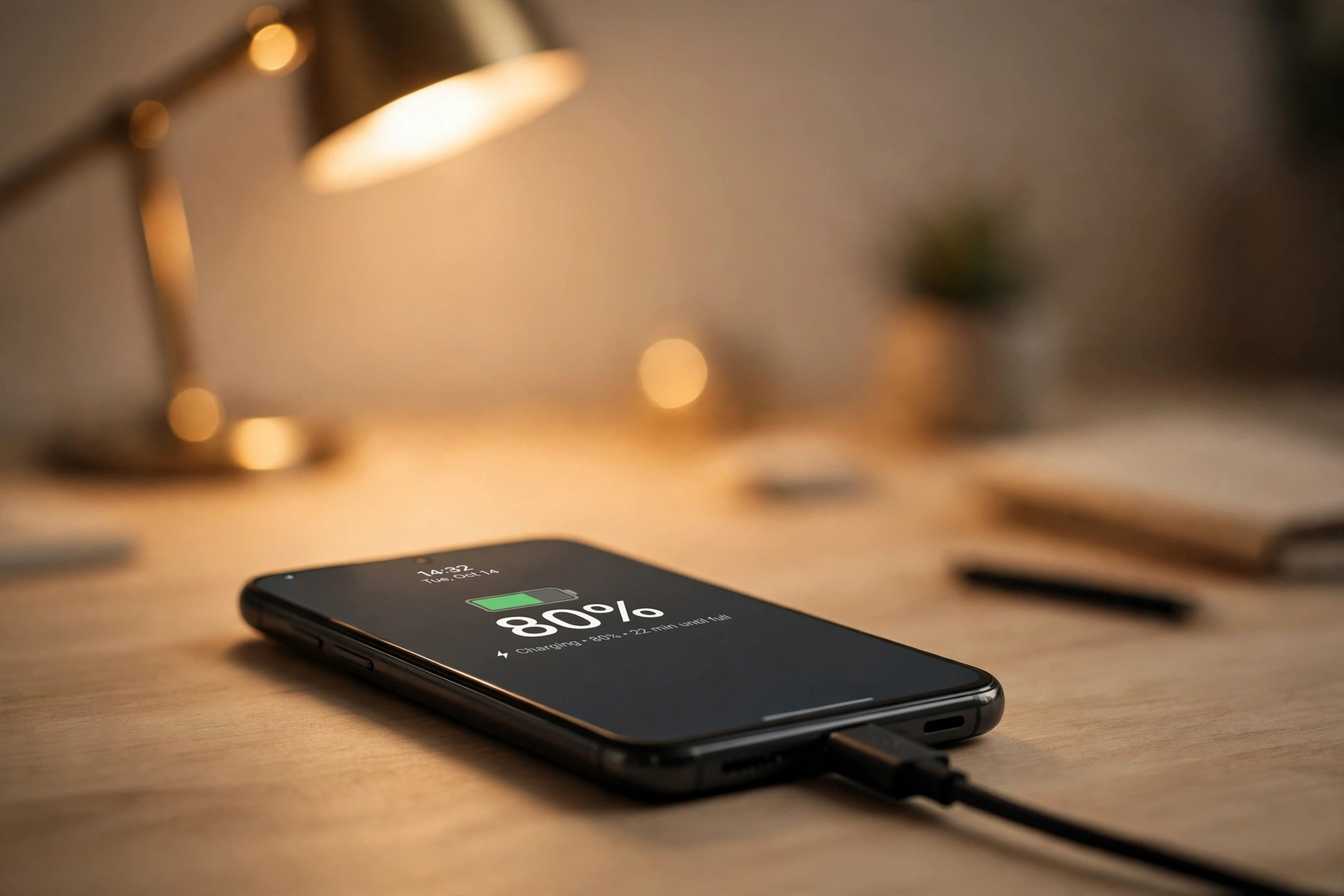
Lithium batteries degrade fastest at the extremes. Battery University’s research confirms that keeping lithium cells between 20% and 80% significantly extends their lifespan. Constantly charging to 100% or draining to 0% wears the battery’s chemistry. For daily use, unplug around 80–90% and recharge before hitting 20%. Many phones now have an “optimized charging” or “battery protection” feature that caps charging at 80% automatically — turn it on.
9. Avoid Heat Like the Plague
Heat is the number one killer of battery lifespan. Don’t leave your phone on a car dashboard in the sun, don’t charge it under your pillow, and take the case off if it gets warm while charging. If your phone feels hot, let it cool before plugging in.
10. Use Quality Chargers
Cheap no-name chargers can deliver unstable power and excess heat. Stick with your phone’s original charger or a certified fast charger from a reputable brand. And if your battery is aging, a good power bank beats a sketchy cable every time.
Network and System Tweaks
11. Use Wi-Fi Over Mobile Data — and 4G Over 5G When It Counts
Wi-Fi radios use less power than cellular, so connect whenever you can. And while 5G is fast, it drains noticeably faster than 4G — if you’re just messaging and browsing, dropping to 4G/LTE for the day can add hours. Most phones let you set a preferred network type in mobile settings.
12. Keep Software Updated (and Restart Weekly)
System updates routinely include battery optimizations and fix background bugs that drain power. And the oldest trick still works: restart your phone once a week to clear stuck processes and memory leaks that silently sip battery.
When Tips Aren’t Enough
If you want to make phone battery last longer but your phone still dies by mid-afternoon after all of this, the battery itself may be worn out — most batteries hold about 80% of their original capacity after 2–3 years. Check your battery health in settings (iPhone shows it directly; Android users can check via third-party apps or built-in diagnostics). A battery replacement is usually far cheaper than a new phone. And for days when you’re away from outlets, check our guide to the 12 best power banks of 2026.
Frequently Asked Questions
Does dark mode really save battery?
Yes — but mainly on OLED/AMOLED screens, where black pixels are switched off entirely. On older LCD screens the difference is minimal since the backlight stays on regardless.
Is it bad to charge my phone overnight?
Modern phones manage overnight charging well, especially with optimized charging features that hold at 80% until morning. But if your phone lacks that feature, overnight charging keeps it at 100% for hours, which accelerates wear.
Should I close all my background apps?
Not obsessively — both iOS and Android manage background apps efficiently, and reopening apps from scratch uses power too. Focus on restricting background refresh for apps you rarely use rather than force-closing everything.
Does 5G drain battery faster than 4G?
Yes, measurably. 5G modems draw more power, especially in areas with weak 5G signal where the phone works harder to stay connected. Switching to 4G is one of the most effective single tweaks.
How do I know if my battery needs replacing?
Warning signs: the phone dies much faster than it used to, shuts off above 10–15%, gets unusually warm, or the battery health reading is below 80%. A professional battery replacement typically costs far less than a new phone.
Laptop user? If a Windows update has left your laptop battery draining fast, see our guide to fixing laptop battery drain after a Windows update, with 9 fixes in order.


1 response