
Finding the best free AI image generator in 2026 is easier — and harder — than ever. Easier because free tiers now produce images that used to sit behind a $30-a-month paywall. Harder because every tool advertises “free” while meaning something different: free per day, free with a watermark, free but not for commercial use. This guide cuts through that. We compared 10 genuinely free AI image generators on what actually matters: daily limits, image quality, text rendering, commercial rights, and how much effort each one takes to use.
If you want the broader picture beyond images, see our roundup of the best free AI tools in 2026.
Quick Picks: The Best Free AI Image Generator for Every Need
- Best overall: Google Gemini — generous free tier, conversational editing
- Best daily volume: Microsoft Designer — priority boosts plus unlimited standard generations
- Best for text in images: Ideogram — readable words inside images
- Best for artistic styles: Leonardo AI — 150 free tokens a day
- Best for commercial safety: Adobe Firefly — trained on licensed content
- Best no-signup option: Craiyon or Perchance — unlimited, no account
- Best for full control: Stable Diffusion — open source, runs on your own hardware
Table of Contents
- 1. Google Gemini — Best Overall Free AI Image Generator
- 2. Microsoft Designer — Best Free Daily Volume
- 3. Ideogram — Best for Text Inside Images
- 4. Leonardo AI — Best for Artistic Styles
- 5. Adobe Firefly — Best for Commercial Safety
- 6. ChatGPT — Best for Conversational Editing
- 7. Craiyon — Best No-Signup Quick Fun
- 8. Perchance — Best Unlimited Free Generation
- 9. Canva AI — Best Inside a Design Workflow
- 10. Stable Diffusion — Best for Full Control
- How to Choose the Best Free AI Image Generator for You
- FAQ
1. Google Gemini — Best Overall Free AI Image Generator
Google’s Gemini is the strongest free default in 2026. Its image model runs right in the browser at gemini.google.com, and the free tier allows roughly up to 20 image generations and edits per day, resetting daily. That’s a real, usable daily allowance — not three credits and a paywall.
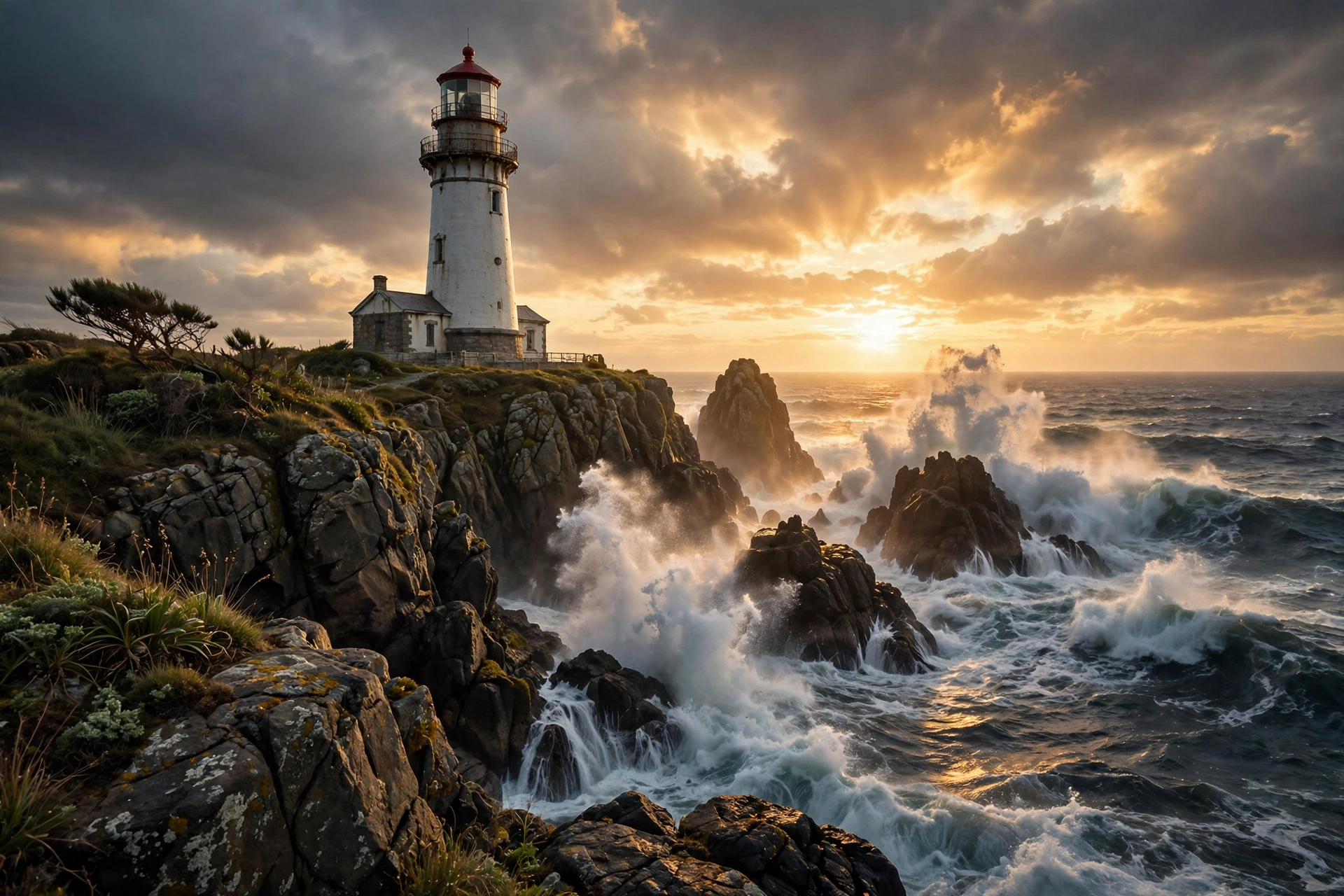
Strengths: The conversational loop is the killer feature. Generate a draft, then say “make the sky stormier” or “swap the background for a beach” and it edits the same image instead of starting over. Photorealism is excellent — natural faces, believable lighting, accurate real-world places.
Weaknesses: Google warns the free limits can change, so the allowance isn’t guaranteed forever. Some advanced controls (aspect ratio presets, style dials) are thinner than dedicated art tools.
Best for: Most people, most of the time. If you only bookmark one free AI image generator, make it this one.
2. Microsoft Designer — Best Free Daily Volume
Microsoft has been quietly running one of the most generous free deals in AI: Designer (and Bing Image Creator) serves DALL-E-class image generation with 15 priority “boosts” per day for fast generation — and then unlimited standard-speed generations after the boosts run out. Commercial rights are included. The catch is a free Microsoft account.
Strengths: Sheer volume. Few free tools let you keep generating all day. Prompt adherence is strong thanks to the underlying OpenAI-class models, and output quality is consistently good for marketing visuals, thumbnails, and blog headers.
Weaknesses: After the daily boosts, generation slows to a standard queue. Editing tools are basic compared with Gemini’s conversational approach or Adobe’s Generative Fill.
Best for: High-volume creators — bloggers, social media managers, and anyone who burns through dozens of images a week.
3. Ideogram — Best for Text Inside Images
Text inside AI images used to be a disaster — misspelled words, melted letters. Ideogram solved it. Its free tier offers around 10 slow credits a day, and it renders posters, logos, memes, and thumbnails with genuinely legible typography. Visit ideogram.ai to try it.
Strengths: Unmatched text rendering among free tools. Great for YouTube thumbnails, event posters, and social graphics where the words matter as much as the visuals.
Weaknesses: The daily credit pool is small, and free-tier images are public by default — don’t generate anything private. Pure photorealism trails Gemini slightly.
Best for: Anything with words in it: posters, logos, infographics, memes.
4. Leonardo AI — Best for Artistic Styles
Leonardo AI gives you 150 free tokens a day — enough for roughly 15 to 30 real images depending on settings — plus a deep bench of art styles, from photorealism to anime to game concept art. It’s the free tool that feels most like a professional art station.

Strengths: Style control is the standout: preset models and canvas editing give you far more dials than most free tools — great for character art and stylized visuals.
Weaknesses: The token system takes a day to learn, and free-tier licensing terms are restrictive — read them carefully before using output commercially. Generated images are public on the free plan.
Best for: Artists, game developers, and anyone who wants stylistic range rather than one default look.
5. Adobe Firefly — Best for Commercial Safety
Adobe Firefly’s free tier is modest — about 25 generative credits a month — but it offers something no other free tool does: formal IP indemnification. Firefly is trained on licensed Adobe Stock content and public-domain work, which makes it the safest choice when images go into paid ads or client projects.
Strengths: Commercial safety is the headline. Generative Fill (erase and replace parts of any image with a text prompt) is genuinely useful, and integration with Photoshop and Express is seamless if you’re already in Adobe’s world.
Weaknesses: 25 credits a month runs out fast, so treat it as a sometimes-tool rather than a daily driver.
Best for: Freelancers and marketers who need legally safer images for commercial work.
6. ChatGPT — Best for Conversational Editing
ChatGPT’s free tier includes a small daily image allowance (around 3 images a day at the time of writing) powered by its GPT Image model. What it lacks in volume it makes up for in understanding: describe what you want in plain, rambling English and it usually gets it right on the first try.

Strengths: Best-in-class prompt understanding — vague descriptions become coherent images, and back-and-forth editing feels natural in the chat interface.
Weaknesses: The tiny daily allowance means you’ll hit the wall fast. No fine-grained art controls.
Best for: Beginners and anyone who thinks in sentences rather than prompt-engineering syntax.
7. Craiyon — Best No-Signup Quick Fun
Craiyon (formerly DALL-E Mini) is the cockroach of AI image generators — in the best way. No account, no email, no credits: just type and generate, unlimited, supported by ads. Output is low-resolution (around 256px) with a small watermark, and quality is more “charming surrealism” than photorealism.
Strengths: Zero friction. The fastest way to turn an idea into an image on any device, and genuinely unlimited.
Weaknesses: Image quality is far below modern tools — fine for memes and brainstorming, not for anything you’d publish. Watermarked output.
Best for: Quick laughs, concept doodles, and anyone who refuses to create yet another account.
8. Perchance — Best Unlimited Free Generation
Perchance quietly offers one of the best free deals online: unlimited AI image generation, no account required, no watermark, at a respectable 512×768 resolution. It runs community-hosted models with open prompting — type anything, get an image.
Strengths: Unlimited and watermark-free with no signup is a rare combination. Output quality is solidly mid-tier — far better than Craiyon, behind only the big hosted models.
Weaknesses: Generation can queue during busy periods and the interface is bare-bones.
Best for: Unlimited experimentation without accounts, watermarks, or daily caps.
9. Canva AI — Best Inside a Design Workflow
If your images live inside designs — presentations, social posts, flyers — Canva’s built-in AI generation (around 50 uses per account on the free plan, plus monthly Dream Lab credits) is the path of least resistance. Generate the image, then drop it straight into your layout without switching apps.
Strengths: The workflow integration is the whole point: generate, then immediately place, crop, and caption inside your design. Templates make non-designers look competent fast.
Weaknesses: Raw generation quality trails dedicated tools, and the free credit pool is small. Check licensing per template before commercial use.
Best for: Social media graphics, presentations, and quick marketing visuals inside Canva.
10. Stable Diffusion — Best for Full Control
Stable Diffusion is the open-source heavyweight: download the model, run it on your own machine, generate unlimited images with no accounts, no queues, no content-policy surprises beyond what you choose. The price is hardware — you’ll want a GPU with at least 4GB of VRAM, and setup takes an evening of tinkering.
Strengths: Truly unlimited, fully private, and endlessly customizable with community models. Nothing phones home. If your laptop struggles, read our guide on how to speed up a slow laptop first — or browse our best budget laptops under $500 for capable hardware.
Weaknesses: Setup friction is real, and good results demand learning prompt craft and settings. No hand-holding.
Best for: Privacy-conscious users, tinkerers, and anyone who wants unlimited generation with zero platform dependence.
How to Choose the Best Free AI Image Generator for You
Match the tool to the job, not the hype. Ask three questions before you commit:
1. How many images do you actually need? A few a week: Gemini, Ideogram, or ChatGPT is plenty. Dozens a day: Microsoft Designer’s unlimited standard queue or Perchance’s unlimited generations.
2. Does the image contain text? If yes, Ideogram is the only free tool I’d trust — every other option will garble your words sooner or later.
3. Is this for commercial use? Adobe Firefly’s indemnification is the gold standard; Gemini and Microsoft Designer include commercial rights in their terms; Leonardo’s free tier is restrictive — always read the terms before paid work.
One more practical tip: free tiers change constantly — limits that are generous today can shrink tomorrow. Bookmark two tools instead of one, so a policy change never leaves you stranded mid-project.
Frequently Asked Questions
What is the best free AI image generator in 2026?
For most people, Google Gemini is the best free AI image generator right now: a generous daily allowance, excellent photorealism, and conversational editing that lets you refine images instead of starting over. Microsoft Designer is the pick for maximum daily volume, and Ideogram wins for any image containing text.
Are free AI image generators really free?
Yes, with limits. Most cap daily or monthly generations, some watermark output, and a few restrict commercial use on free tiers. The tools in this guide all offer genuinely usable free plans — not just trials — but always check the current terms, because free allowances change often.
Can I use free AI-generated images commercially?
Sometimes. Adobe Firefly offers formal IP indemnification, and Gemini and Microsoft Designer include commercial rights in their terms — but Leonardo AI’s free tier is restrictive, so read each tool’s current terms first.
Which free AI image generator needs no sign-up?
Craiyon and Perchance both generate images with no account at all. Perchance is the stronger pick — unlimited generations, no watermark, and better quality than Craiyon’s low-resolution output.
Can I run an AI image generator on my own computer?
Yes — Stable Diffusion is open source and runs locally with no usage caps, though you’ll need a reasonably capable GPU (4GB+ VRAM) and some patience for setup. It’s the best option for privacy and unlimited generation.
The Bottom Line
It comes down to your job: Gemini for everyday quality and easy editing, Microsoft Designer for sheer volume, Ideogram for text, Firefly for commercial safety, Stable Diffusion for independence. The gap between free and paid has never been smaller — for most creators, the free tier is now all they’ll ever need. Start with Gemini, keep Perchance bookmarked as a backup, and you’ll rarely need to pay for pixels again.



1 response