
Staying connected abroad used to mean one thing: queuing at an airport kiosk for a plastic SIM card and hoping you understood the plan. In 2026, travellers have a real choice. The esim vs physical sim for travel debate comes down to two technologies that do the same job in very different ways — and picking the wrong one can mean overpaying, missing calls, or spending your first holiday morning hunting for a mobile shop. This guide breaks down both options, compares them head to head, and ends with a practical checklist so you land connected.
Table of Contents
- What Is an eSIM?
- What Is a Physical SIM?
- eSIM vs Physical SIM for Travel: Head-to-Head Comparison
- When an eSIM Wins for Travel
- When a Physical SIM Still Wins
- How to Buy and Use an eSIM for Your Trip
- Phone Compatibility: Will Your Phone Work?
- Your eSIM vs Physical SIM Travel Checklist
- FAQs
What Is an eSIM?
An eSIM (embedded SIM) is a tiny chip soldered directly into your phone at the factory. Instead of inserting a plastic card, you download a mobile plan onto the chip — usually by scanning a QR code or tapping a link in an app. Once installed, the plan behaves like a normal mobile line: data, and in some cases calls and texts, work exactly as they would on a physical card.
For travellers weighing up eSIM vs physical SIM for travel, the appeal is obvious. You can buy a travel data plan from providers like Airalo, Holafly or Nomad before you leave home, install it over Wi-Fi, and land with working data. Most eSIM-capable phones can store several eSIM profiles at once, so you can hop between countries by switching profiles in Settings — no screwdriver, no paperclip, no lost cards. Many plans are regional or global, covering dozens of countries on a single profile.
When eSIM data runs low, many travel eSIM plans include tips on making your data last longer — handy for stretching a 10 GB plan across a full trip.

What Is a Physical SIM?
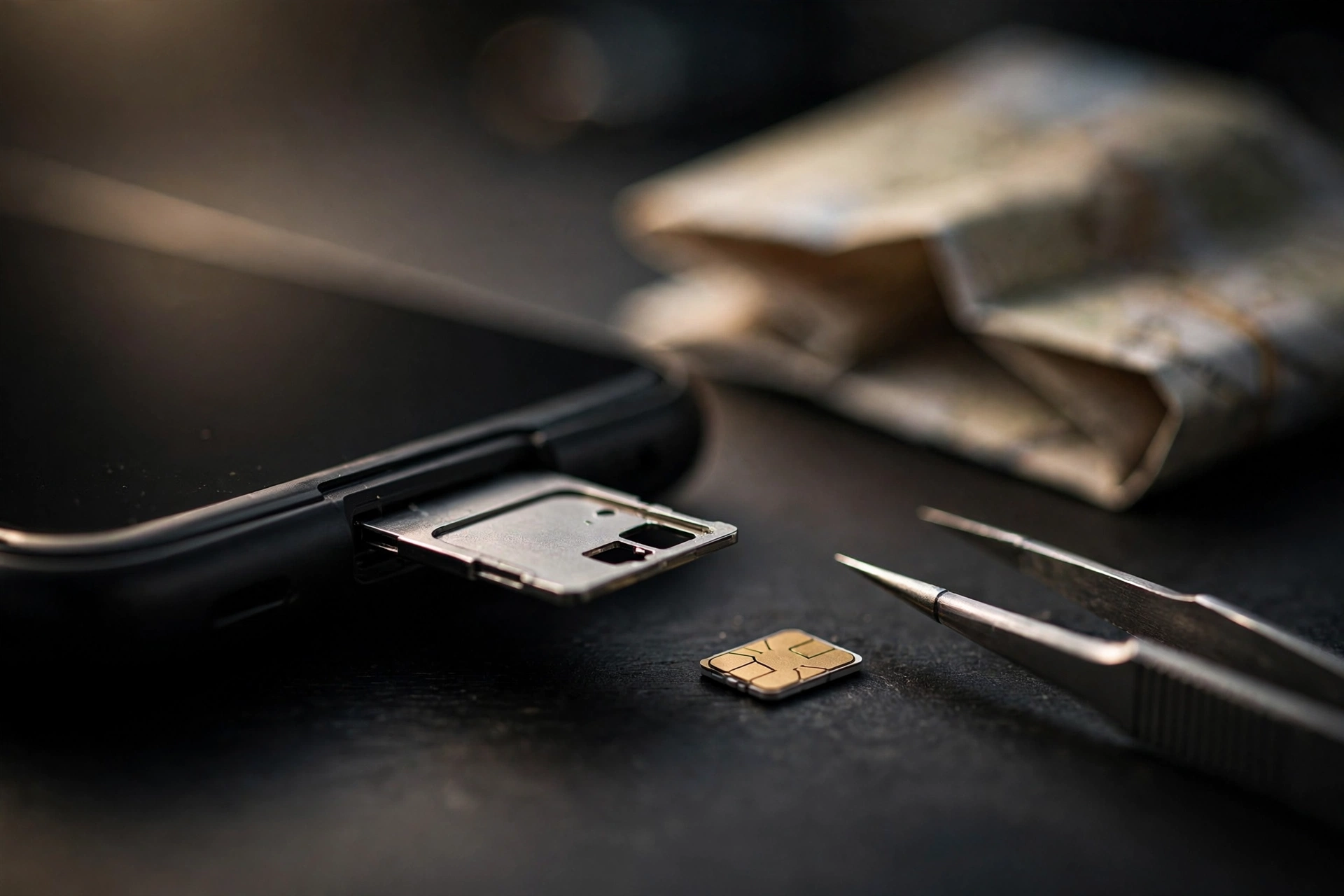
A physical SIM is the familiar removable chip — today almost always a nano-SIM — that you slide into your phone’s SIM tray. It holds your network credentials on a card you can touch, move and replace. To change networks, you physically swap the card.
For travel, that means buying a local SIM on arrival: find a carrier shop or airport kiosk, show your passport or ID where registration is required, pay, swap the card into your phone, and keep your home SIM somewhere safe (a tiny card is frighteningly easy to lose in a hotel room). It’s a system that has worked for decades, and it still works perfectly well — it just asks more of you at the start of your trip. That trade-off sits at the heart of the eSIM vs physical SIM for travel decision.
eSIM vs Physical SIM for Travel: Head-to-Head Comparison
Here is how the two options stack up on the factors that matter most on a trip:
| Factor | eSIM | Physical SIM |
|---|---|---|
| Cost for a typical trip | Travel plans are usually the cheapest option — often around $20–35 for a couple of weeks of regional data (prices vary by destination and are illustrative). | A local SIM can be cheap in-country, but buying one costs time; home-carrier roaming can run $5–10 a day. |
| Convenience and setup | Buy online and install in minutes before you fly. Online the moment you land. | Requires finding a shop or kiosk, ID checks in some countries, and physically swapping cards. |
| Multi-country coverage | Regional and global plans cover many countries on one profile — ideal for multi-stop trips. | Usually tied to one country; crossing borders means a new card or roaming fees. |
| Phone compatibility | Needs an eSIM-capable phone (most flagships from around 2020 on; some newer models are eSIM-only). | Works in virtually every unlocked phone ever made. |
| Security | Cannot be physically removed, so a thief can’t pop your line out; profiles are tied to your device. | Can be removed from a stolen phone in seconds, though it also moves easily to a spare handset. |
| Dual-SIM use | Keep your home number live on the physical SIM and run travel data on the eSIM simultaneously. | Dual physical trays exist but are rarer; otherwise you swap and lose your home number. |
| Loss or damage | Nothing physical to lose; most providers let you re-download a profile if you change phones. | Tiny cards are easy to misplace; a damaged or lost card means finding a store abroad. |
| Calls and local number | Most travel eSIMs are data-only, so calls go through apps like WhatsApp or FaceTime. | Often includes a local number with calls and texts — handy for restaurant bookings or local contacts. |
When an eSIM Wins for Travel
In the esim vs physical sim for travel contest, the eSIM takes the crown in most modern travel scenarios:
- Short, multi-country trips. One regional eSIM plan can cover a whole European or Southeast Asian itinerary. A physical SIM would mean a new card (and a new queue) in every country.
- Keeping your home number live. With dual-SIM mode, your regular number keeps receiving bank OTPs and important calls while the eSIM handles data. No more missed two-factor codes because your home SIM is sitting in a hotel drawer.
- Landing connected. Install the eSIM at home over Wi-Fi and you have data before the plane doors open — maps, ride-hailing and hotel check-in work from minute one.
- Theft resilience. An eSIM can’t be yanked out of a stolen phone, which keeps Find My Device and remote wipe working longer.
- No tiny parts. If you’ve ever dropped a nano-SIM between airport seats, you already understand this one.
When a Physical SIM Still Wins
The physical SIM is far from dead in the eSIM vs physical SIM for travel debate. It remains the better choice when:
- Your phone doesn’t support eSIM. Older handsets, many budget phones and some carrier-locked models have no eSIM hardware. A physical card is your only option.
- You’re staying long in one country. For a month-plus stay, a local physical SIM from a domestic carrier often gives the best per-gigabyte price — and a proper local number.
- You need a local number. Booking restaurants, receiving delivery calls or registering for local services is easier with a real local number, which most travel eSIMs don’t include.
- You swap phones often. Moving a physical SIM to a backup handset takes seconds; moving an eSIM requires a supported transfer process and sometimes a call to the carrier.
- Coverage is patchy. In a few remote regions, local carriers still sell physical SIMs but have no eSIM distribution at all.
If your trip involves swapping between an old spare phone and your main handset, it may also be worth picking up one of the best budget phones under $300 as a dedicated travel device — cheap enough to risk, good enough to rely on.
How to Buy and Use an eSIM for Your Trip
Once you’ve decided the eSIM is your answer to the eSIM vs physical SIM for travel question, buying one takes about ten minutes.
- Confirm your phone is unlocked and eSIM-capable. A carrier-locked phone won’t accept any third-party plan, eSIM or otherwise. Check Settings for an “Add eSIM” or “Add mobile plan” option (see the compatibility notes below).
- Pick a provider and plan. Well-known travel eSIM marketplaces include Airalo, Holafly and Nomad. Compare by destination, data allowance and validity period — a 10 GB, 30-day regional plan is a sensible starting point for most holidays.
- Buy before you fly. Purchase over Wi-Fi at home, not on expensive hotel internet. You’ll receive a QR code or an in-app install link.
- Install and label the profile. Scan the QR code, then give the plan a clear label like “Spain Trip” so you can find it later.
- Set it as your data line. In your phone’s mobile settings, set the eSIM as the default line for mobile data and turn on data roaming for the eSIM only — leave roaming off on your home line to avoid surprise charges.
- Test before departure. Many eSIMs activate on installation; some activate on first connection. Either way, confirm the profile installed cleanly while you still have home Wi-Fi to troubleshoot.
Phone Compatibility: Will Your Phone Work?
Compatibility is the one place where the esim vs physical sim for travel decision can trip you up, so check before you buy. As of October 2026:
- iPhone: iPhone 11 and later support eSIM. US-sold models of the iPhone 14, 15 and 16 are eSIM-only with no physical SIM tray at all — if you own one of these, eSIM isn’t a choice, it’s mandatory. Apple’s own support page explains how to use Dual SIM with an eSIM on iPhone.
- Samsung: eSIM support is standard on recent Galaxy S flagships and Z foldables, but availability varies by model and region — some carrier or regional variants omit it.
- Google Pixel: Pixels have supported eSIM since the Pixel 3, and recent models support dual eSIM profiles.
- Other brands: Many recent Motorola, OPPO, Xiaomi and Nothing phones include eSIM, but support is inconsistent — always verify your exact model number, not just the series name.
Two rules of thumb: a phone bought in the last few years from a major brand probably supports eSIM, and carrier-locked phones should be unlocked before the trip regardless of which SIM type you choose.
Your eSIM vs Physical SIM Travel Checklist
Run through this list a day or two before departure, whichever side of the eSIM vs physical SIM for travel debate you land on, and you’ll avoid nearly every connectivity headache:
- Confirm your phone is carrier-unlocked and check eSIM support for your exact model.
- Decide: eSIM (multi-country, keep home number live) or physical SIM (long single-country stay, need a local number).
- If going the eSIM route, buy and install the plan over home Wi-Fi before you fly.
- Set the travel line as default for data; keep data roaming OFF on your home line.
- Save your eSIM QR code and provider login somewhere accessible offline (screenshots in a travel folder).
- If going physical, pack a SIM ejector tool and a safe place for your home SIM — a tiny labelled case, not a loose pocket.
- Download offline maps for your destinations as a backup for dead zones.
- Pack a power bank — constant searching for signal and heavy maps use drain batteries fast. See our best power banks of 2026, and follow our guide on how to make your phone battery last longer.

FAQs
Do I need internet to install an eSIM?
Yes — you need Wi-Fi or mobile data to download the eSIM profile the first time. That’s why installing it at home before departure is the golden rule.
Can I keep my WhatsApp number when using a travel eSIM?
Yes. WhatsApp stays tied to the number you registered with, and it works fine over the eSIM’s data connection. Your chats and contacts don’t change.
Is an eSIM cheaper than roaming with my home carrier?
On cost, the eSIM vs physical SIM for travel comparison favours the eSIM: home-carrier roaming often costs several dollars a day, while a travel eSIM typically costs a flat $20–35 for weeks of data (illustrative pricing — check your destination).
Do travel eSIMs include phone calls and texts?
Most are data-only. Calls and texts go through apps like WhatsApp, FaceTime or Skype. If you need a real local number, a physical local SIM is the better pick.
Conclusion
The esim vs physical sim for travel question has a clear default answer in 2026: for most travellers, an eSIM is cheaper, faster to set up and far more convenient — especially on multi-country trips where keeping your home number alive matters. But the physical SIM earns its place for older phones, long single-country stays and anyone who needs a genuine local number. Match the technology to your trip, run the checklist above, and you’ll step off the plane already connected.


