
Finding the best budget Windows Hello webcams used to mean settling for flaky face unlock or paying well over £100/$100. Not anymore. A handful of affordable USB webcams now ship with genuine infrared (IR) sensors that meet Microsoft’s requirements for Windows Hello, so you can log in to your desktop or laptop with just your face — no password, no PIN, no fingerprint reader needed.
Below we have rounded up five IR webcams that genuinely support Windows Hello facial recognition and cost under $100 (prices approximate as of October 2026). Our picks are based on published expert reviews, including PCWorld’s dedicated Windows Hello webcam testing, and broad owner consensus on Amazon — we did not hands-on test every model ourselves.
Contents
- What to look for in a budget Windows Hello webcam
- The 5 best budget Windows Hello webcams of 2026
- Quick comparison table
- How to set up Windows Hello with your new webcam
- FAQs
- Our verdict
What to look for in a budget Windows Hello webcam
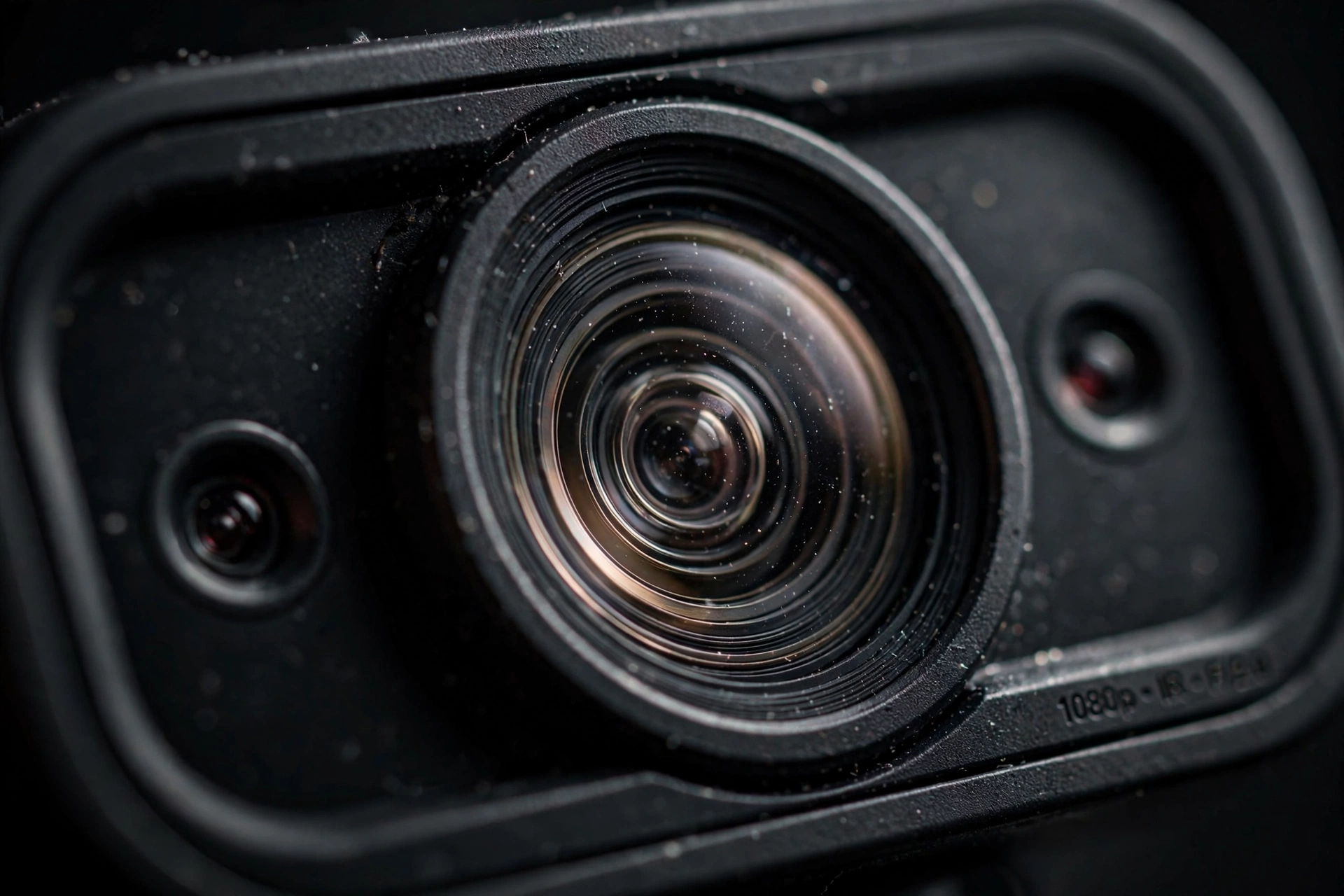
Not every webcam with a “face recognition” badge actually supports Windows Hello. Microsoft requires a camera with an infrared sensor (plus a depth/anti-spoofing mechanism) to pass its Enhanced Sign-in Security tests. A plain RGB webcam that unlocks your PC with a photo is not the same thing — and is not secure.
When you are shopping for the best budget Windows Hello webcams on a tight budget, check these points:
- Explicit Windows Hello support — look for the Windows Hello badge on the box or product page, not just “facial recognition”.
- Resolution — 1080p is fine for calls; 2K gives sharper video for the same money in this price bracket.
- Microphone — budget cams live or die by audio. Dual noise-cancelling mics are worth prioritising.
- Privacy shutter — an IR camera is always “watching” for your face, so a physical shutter matters more here than usual.
- Autofocus vs fixed focus — autofocus is friendlier if you move around; fixed-focus models need you to sit at a consistent distance for reliable face unlock.
The 5 best budget Windows Hello webcams of 2026
1. TOALLIN 2K QHD Webcam — best overall budget pick
Approximate price: $40 | Resolution: 2K QHD (2592×1944) at 30fps | Mic: dual noise-cancelling | Privacy: manual sliding shutter | Best for: maximum value per pound
The TOALLIN 2K QHD is the pick we recommend first to most people. PCWorld named it the best budget Windows Hello webcam in its 2026 roundup, and it is easy to see why: genuine IR-based Windows Hello support, autofocus, a 1/4-inch sensor that outperforms many 1080p rivals, and a street price that often drops toward $32 with coupons.
Trade-offs are real at this price. Owner reports and reviewers agree the camera wants good lighting — dim rooms make face unlock noticeably slower — and the 84-degree field of view is a touch narrow for group calls. But for solo desk use it is arguably the strongest value in the whole Windows Hello webcam market.
Pros: cheapest genuine Hello webcam; 2K video; autofocus; privacy shutter. Cons: weak in dim light; narrower field of view.
2. Lenovo Performance FHD Webcam — most reliable budget Windows Hello webcam
Approximate price: $54 | Resolution: 1080p at 30fps | Mic: dual mics | Privacy: sliding shutter | Best for: set-and-forget reliability
Lenovo’s Performance FHD Webcam is the Toyota Camry of this list: basic, dependable, and cheap. PCWorld’s hands-on review praised it for flawless Windows Hello recognition and surprisingly good video quality for a $54 camera, with a 95-degree lens that frames a desk nicely. It is also slim, well built, and ships with a tripod mount.
The catch: no autofocus. PCWorld noted you need to stay roughly the same distance from the lens you used when enrolling your face, or Hello can hesitate. If you fidget a lot, the TOALLIN’s autofocus is kinder. For everyone else, this is the no-drama pick.
Pros: rock-solid Hello recognition; good 1080p video; tripod mount included. Cons: fixed focus; average noise cancellation.
3. NexiGo HelloCam — best for privacy-conscious buyers
Approximate price: $70 | Resolution: 1080p at 30fps | Mic: dual noise-cancelling | Privacy: automatic electronic shutter | Best for: people who hate manual shutters
The NexiGo HelloCam was designed from the ground up for Windows Hello, with the IR sensor as its headline feature rather than an afterthought. Standout touches include an automatic electronic privacy shutter (the lens visibly covers itself when idle — owners consistently praise this detail) and facial-enhancement processing for calls.
On the downside, multiple reviews note you need NexiGo’s utility software installed for the full feature set, and the USB cable is on the short side. Performance-wise it is a strong 1080p webcam with fast, accurate face login — several long-term owners call it the best-value Hello webcam they have owned.
Pros: automatic electronic shutter; fast face unlock; solid 1080p video. Cons: needs companion software; short cable.

4. Kaysuda Face Recognition USB Camera — cheapest multi-user option
Approximate price: $65 | Resolution: 720p at 30fps | Mic: dual mics | Privacy: on/off switch | Best for: shared family PCs
The Kaysuda CA20 is the veteran of this category — it has been selling Windows Hello support for years. Its killer feature is multi-user support: everyone on a shared computer can enrol their face, which is ideal for a family PC. The company claims one-second login, and owner consensus is that Hello recognition is genuinely quick.
The compromise is video quality. At 720p it is grainier than everything else on this list, so it is a webcam you buy mainly for the IR login, with video calls as a secondary job. If calls matter more than login, spend the extra on the TOALLIN or Lenovo.
Pros: multi-user face login; fast recognition; very affordable. Cons: 720p video is dated; grainy in low light.
5. NexiGo HelloCam Pro — best step-up under $100
Approximate price: $80 | Resolution: 1080p at 30/60fps | Mic: dual noise-cancelling | Privacy: mechanical iris-style shutter | Best for: streamers on a budget
If the standard HelloCam appeals but you want smoother video, the HelloCam Pro adds a 60fps mode and proper hardware autofocus alongside the same Windows Hello IR sensor. The mechanical iris-style shutter is a delight — it physically snaps closed with an aperture-blade action, which is both reassuring and fun.
It sits right at the ceiling of our budget, typically $70–90, and like its sibling it wants the companion app for full settings control. It is the pick for anyone who video-calls or streams daily and wants a Hello webcam that doubles as a genuinely good camera.
Pros: 60fps video; hardware autofocus; superb iris shutter. Cons: pricey end of budget; companion software needed.
Quick comparison table
Here is how our five best budget Windows Hello webcams compare side by side:
| Webcam | Approx. price* | Video | Windows Hello | Microphone | Best for |
|---|---|---|---|---|---|
| TOALLIN 2K QHD | $40 | 2K QHD 30fps | Yes (IR) | Dual, noise-cancelling | Overall value |
| Lenovo Performance FHD | $54 | 1080p 30fps | Yes (IR) | Dual mics | Reliability |
| NexiGo HelloCam | $70 | 1080p 30fps | Yes (IR) | Dual, noise-cancelling | Privacy features |
| Kaysuda CA20 | $65 | 720p 30fps | Yes (IR) | Dual mics | Shared PCs |
| NexiGo HelloCam Pro | $80 | 1080p 60fps | Yes (IR) | Dual, noise-cancelling | Streaming & calls |
*Prices approximate as of October 2026 and may vary by retailer and coupons.

How to set up Windows Hello with your new webcam
Once your webcam arrives, setup takes about two minutes:
- Plug the webcam into a USB port on your Windows 10 or 11 PC (USB 3.0 recommended).
- Open Settings → Accounts → Sign-in options.
- Under Facial recognition (Windows Hello), click Set up and follow the on-screen face scan.
- Improve recognition with the optional glasses-on/glasses-off pass if offered.
If the facial recognition option does not appear, your PC may not have detected the IR camera — try a different USB port, and check the camera maker’s support page. Microsoft’s own Windows Hello overview explains the security model in more detail. And if your machine is an older laptop that feels sluggish on Windows 11, our guide on how to speed up a slow laptop is worth a read before you blame the camera.
FAQs
Do cheap Windows Hello webcams really work?
Yes — Windows Hello certification is a hardware standard, not a price tier. A $40 webcam with a proper IR sensor, like the TOALLIN 2K, passes the same Microsoft facial-recognition requirements as a $200 one. What the money buys is better video quality, autofocus, and microphones.
Will Windows Hello work if I wear glasses?
Generally yes. The IR sensor reads depth, not just a photo, so glasses, hats, and beards rarely break recognition. You can enrol with and without glasses for extra reliability.
Can I use a Windows Hello webcam on a laptop that already has one built in?
Absolutely — many people add an external Hello webcam to a desktop, or prefer the better angle of an external cam on a laptop. Windows lets you choose the default camera under Settings → Bluetooth & devices → Cameras. Pairing a good Hello webcam with one of our best budget laptops under $500 is a cheap way to build a fully biometric setup.
Is Windows Hello more secure than a password?
For most people, yes. Your facial data never leaves your device, and a strong unique password stays behind the biometric gate. PCWorld’s 2026 Hello webcam roundup is a useful second opinion on which models handle the security side best.
Our verdict
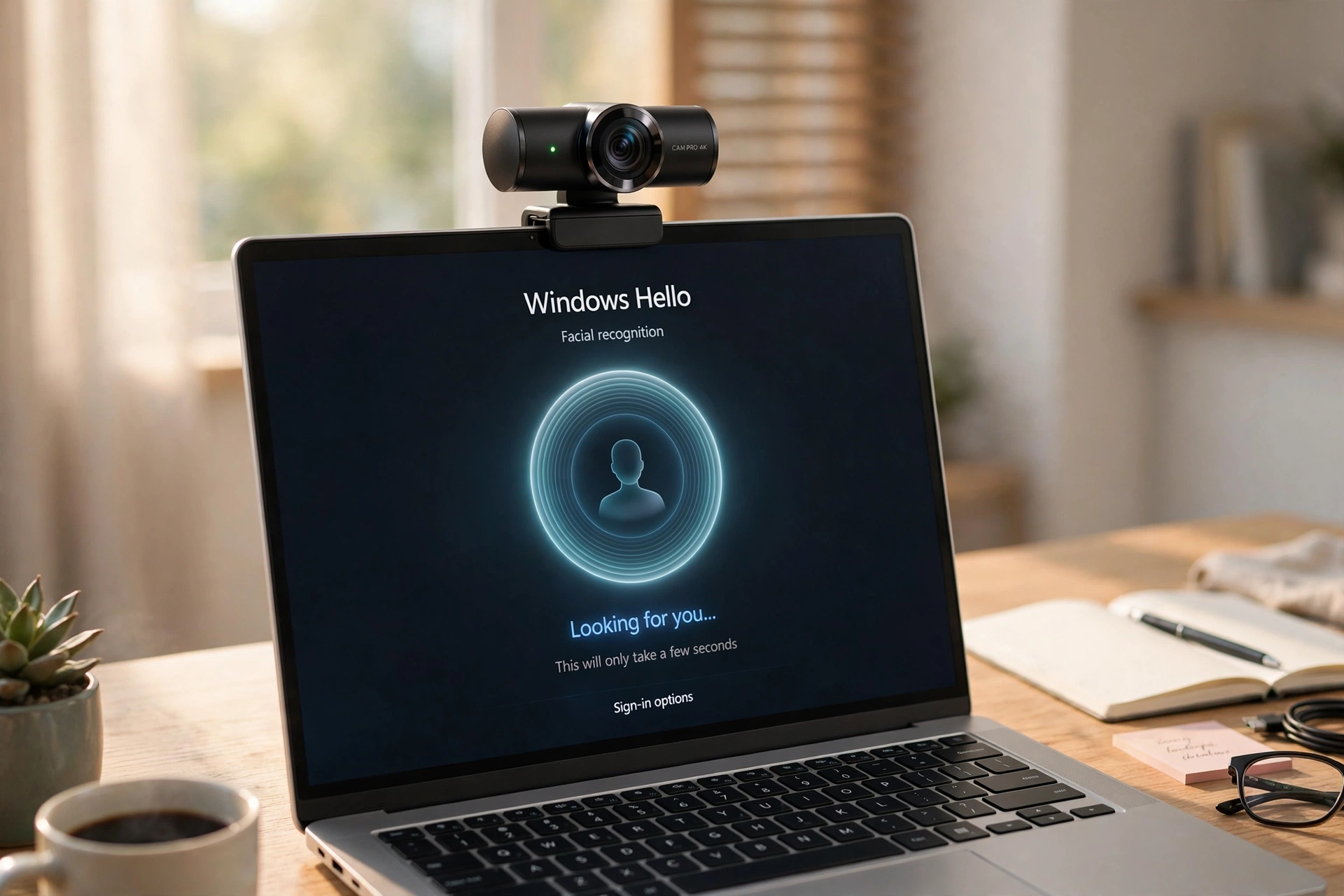
For most buyers, the TOALLIN 2K QHD Webcam is the best budget Windows Hello webcam: 2K video, real IR face login, and a price that is often under $40 with coupons. If you would rather have a brand you already trust, the Lenovo Performance FHD is the reliability pick at around $54.
One last thought: webcam prices creep upward around Black Friday and the holidays, so if you are shopping for a full setup, check our laptop prices 2026: buy now or wait analysis for timing — and if you are going 2-in-1, our best 2-in-1 laptops roundup pairs nicely with an external Hello cam for desk use.
Heads-up: prices are approximate as of October 2026 and change with coupons and sales. Our picks are based on published expert reviews and broad owner consensus; we did not hands-on test every model.


