The best monitor for Mac mini in 2026 is not just any 4K screen with an HDMI cable. Apple’s little desktop ships with no display at all, and macOS is pickier about monitors than Windows: the wrong resolution leaves you with blurry text, the wrong cable leaves you with a dongle tangle, and a panel with no USB-C means an extra power brick on your desk. One note first: we have not hands-on tested these monitors — picks are based on published reviews and manufacturer specifications available in October 2026, and all prices are approximate as of October 2026.
Get the choice right, though, and a Mac mini plus the right screen is one of the best-value desktops you can build: the M4 Mac mini starts at $599, leaving real money for the display you’ll stare at all day. Here are seven monitors that pair well with a Mac mini in 2026 — from the Apple-native Studio Display down to a budget 4K pick at roughly $350.
Table of Contents
- Why 5K Matters for a Mac Mini: macOS Scaling Explained
- The 7 Best Monitors for Mac Mini in 2026 — Our Picks
- Best Monitor for Mac Mini Compared: Specs at a Glance
- USB-C, Thunderbolt and HDMI: What to Plug In
- How to Choose the Right Display
- FAQ: Best Monitor for Mac Mini
- The Bottom Line
Why 5K Matters for a Mac Mini: macOS Scaling Explained
The single most important fact when shopping for the best monitor for Mac mini is pixel density. A 27-inch 5K panel (5120 x 2880) hits 218 PPI — the same as Apple’s own Retina displays — so macOS renders its interface pixel-doubled: everything looks “like” a 2560 x 1440 desktop, but razor sharp. No tweaks, no compromise.
A 27-inch 4K panel sits at about 163 PPI: too dense to run natively (text becomes unreadably small) yet not dense enough for perfect pixel-doubling. macOS can still scale it, and plenty of people are happy with 4K — but text won’t be quite as crisp as on true 5K. If you read text all day (code, writing, spreadsheets), 5K is worth the premium. If you mostly watch video and play games, a good 4K panel saves real money.

The 7 Best Monitors for Mac Mini in 2026 — Our Picks
1. BenQ MA270S — Best Mac-Native 5K (approx. $999)
The closest thing to a Studio Display without the Apple tax. The 27-inch 5120 x 2880 panel hits the magic 218 PPI for pixel-perfect macOS scaling, with a glossy Nano Gloss finish, 99% P3 colour, and genuine Mac touches: adjust brightness and volume from an Apple keyboard and sync with macOS auto-brightness. Thunderbolt 4 carries video with 96W of power delivery, plus HDMI and USB ports that charge devices even while the display is off.
Best for: Mac mini owners who want true 5K sharpness with Mac-specific features at $600 less than Apple.
Check price on Amazon
2. Apple Studio Display (2026) — Best Premium Apple Pick (from $1,599)
Apple refreshed the Studio Display in March 2026, and it remains the benchmark best monitor for Mac mini if budget is no object. The core is the same 27-inch 5K Retina formula — 5120 x 2880 at 218 PPI, P3 wide colour, True Tone — now with two Thunderbolt 5 ports (96W upstream plus a downstream port for daisy-chaining), a 12MP Center Stage camera with Desk View, deeper bass from the six-speaker Spatial Audio system, and a Thunderbolt 5 Pro cable in the box. Yes, it’s nearly triple the Mac mini’s price — but you get one cable, a genuinely good webcam and microphone array, and speakers that impress, all controlled from macOS. Compare against a separate camera and speakers (see our best budget webcams of 2026) and the gap narrows.
Best for: buyers who want the fully Apple-native experience and don’t mind paying for it.
Check price on Amazon
3. ASUS ProArt PA27JCV — Best Value 5K (approx. $700–799)
Possibly the smartest buy on this list: a genuine 27-inch 5K panel (5120 x 2880, 218 PPI) with 99% DCI-P3 coverage, Calman Verified factory calibration to Delta E under 2, and HDR10 with DisplayHDR 500 — for roughly half the Studio Display’s price. USB-C carries video, data and up to 96W of power delivery, with Auto KVM to share one keyboard and mouse between two computers. You give up glossy glass, a webcam and speakers, and settle for 60Hz — fair trade-offs for photographers, designers and developers. AppleInsider’s ProArt 5K review called it “Retina for a bargain”, and that still holds.
Best for: creatives who want 5K sharpness without the Apple premium.
Check price on Amazon
4. Dell UltraSharp U2725QE — Best 4K Thunderbolt Hub (approx. $650)
The productivity pick: a 27-inch 4K IPS Black panel at 120Hz with 3000:1 contrast, factory calibration to Delta E under 1.5 and 99% DCI-P3. The real story is the hub — Thunderbolt 4 with up to 140W power delivery, HDMI 2.1, DisplayPort in and out for daisy-chaining, a 2.5GbE wired Ethernet port and a pop-out front USB hub. The 120Hz refresh rate is a genuine upgrade for scrolling and casual gaming. Street price hovers around $650 against a $799.99 list — wait for a sale. If your Mac mini doubles as a gaming machine, see our best gaming handheld consoles of 2026 roundup.
Best for: work-from-home professionals who want a one-cable desk with wired networking built in.
Check price on Amazon
5. Samsung ViewFinity S8 (S80HF) — Best 5K Alternative (approx. $700)
A 2026 update that deserves more attention: a 27-inch 5K panel at 218 PPI for clean macOS scaling, with USB-C, DisplayPort, HDMI and Ethernet, HDR10 and a fully adjustable stand — for roughly $700, less than half the Studio Display. It lacks the BenQ’s Thunderbolt daisy-chaining and the ASUS’s colour pedigree, so it’s the pick for general-purpose Mac mini use rather than colour-critical editing. 9to5Toys’ Mac mini monitor roundup highlights it as one of the strongest 2026 5K values.
Best for: everyday Mac mini users who want 5K sharpness on a mid-range budget.
Check price on Amazon
6. Dell S2725QC — Best Budget 4K (approx. $350)
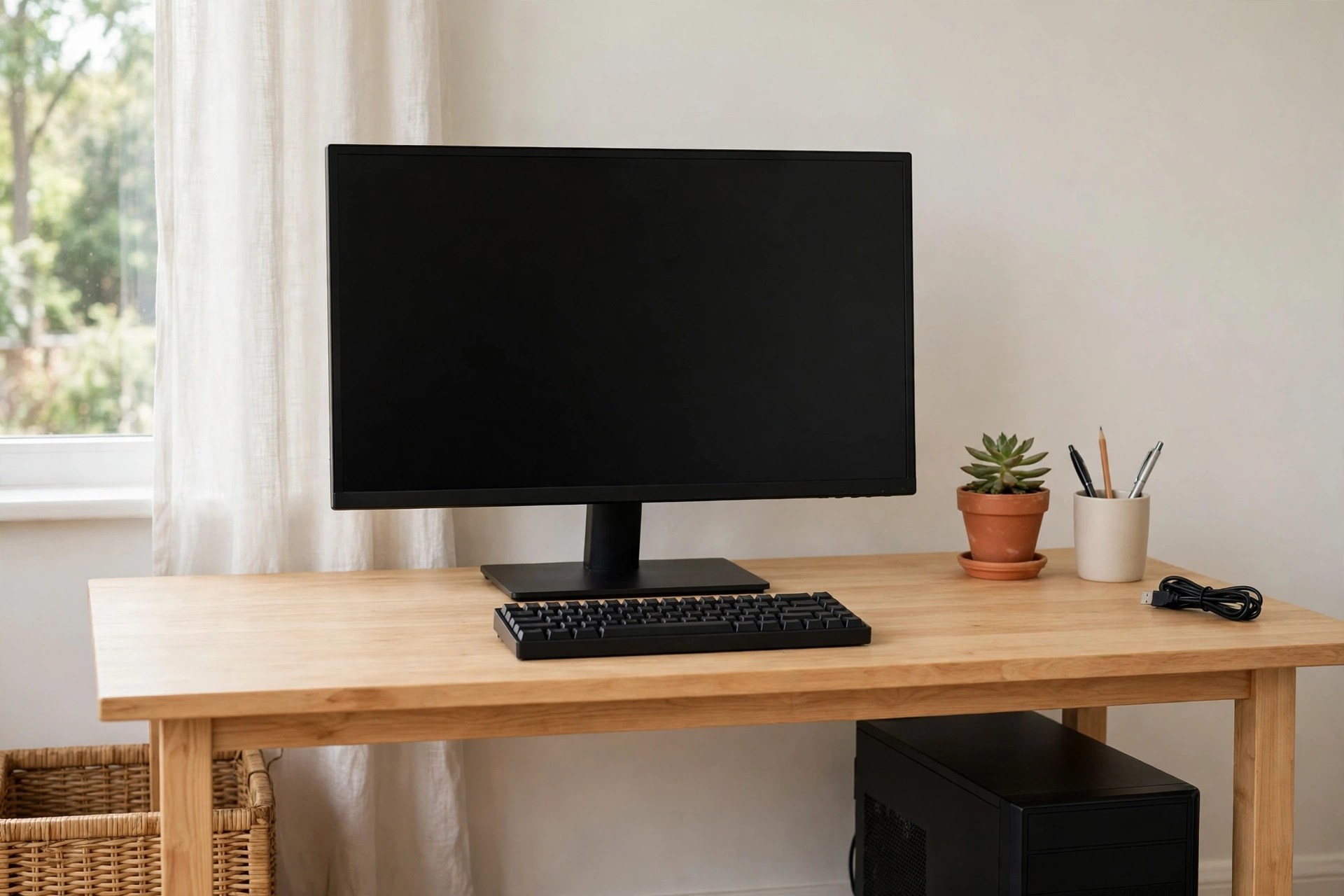
Not everyone needs 5K, and the Dell S2725QC proves it: a 27-inch 4K panel with 120Hz refresh and USB-C with 65W power delivery — enough for single-cable video with a self-powered Mac mini. At this price it’s the sensible floor: anything cheaper usually means 1080p or no USB-C, both of which you’ll regret on a Mac. Text won’t match the 5K picks at 163 PPI, but as a second monitor or first upgrade from 1080p it’s excellent value. For the same value-first thinking on portable machines, see our guide to the best budget laptops under $500.
Best for: budget buyers, second monitors, and anyone upgrading from 1080p.
Check price on Amazon
7. Dell UltraSharp U4025QW — Best Ultrawide (approx. $1,549)
Some workflows don’t want more pixels per inch — they want more inches. This 39.7-inch curved 5K2K ultrawide (5120 x 2160) at 120Hz replaces a dual-monitor setup with one seamless panel: editing timelines, big spreadsheets and code with a preview pane all fit without a bezel in the middle. Thunderbolt 4 with 90W power delivery, HDMI 2.1, DisplayPort, 2.5GbE Ethernet and a full USB hub round out the package. At around $1,549 it’s the priciest non-Apple pick, and text isn’t as sharp as a 27-inch 5K — but for a serious work desk, the real estate is hard to give up. For 2026’s other big desktop-hardware story, see our RTX Spark laptops launch guide.
Best for: multitaskers, editors and developers who want one giant canvas instead of two screens.
Check price on Amazon

Best Monitor for Mac Mini Compared: Specs at a Glance
| Monitor | Size / Resolution | Panel | USB-C / Thunderbolt PD | Refresh rate | Approx. price (Oct 2026) |
|---|---|---|---|---|---|
| BenQ MA270S | 27″ 5K (5120×2880) | IPS, Nano Gloss | Thunderbolt 4, 96W | 70Hz | $999 |
| Apple Studio Display (2026) | 27″ 5K (5120×2880) | IPS, glossy | Thunderbolt 5, 96W | 60Hz | From $1,599 |
| ASUS ProArt PA27JCV | 27″ 5K (5120×2880) | IPS, matte | USB-C, 96W | 60Hz | $700–799 |
| Dell UltraSharp U2725QE | 27″ 4K (3840×2160) | IPS Black | Thunderbolt 4, 140W | 120Hz | $650 |
| Samsung ViewFinity S8 (S80HF) | 27″ 5K (5120×2880) | IPS | USB-C | 60Hz | $700 |
| Dell S2725QC | 27″ 4K (3840×2160) | IPS | USB-C, 65W | 120Hz | $350 |
| Dell UltraSharp U4025QW | 39.7″ 5K2K (5120×2160) | IPS, curved | Thunderbolt 4, 90W | 120Hz | $1,549 |
USB-C, Thunderbolt and HDMI: What to Plug In
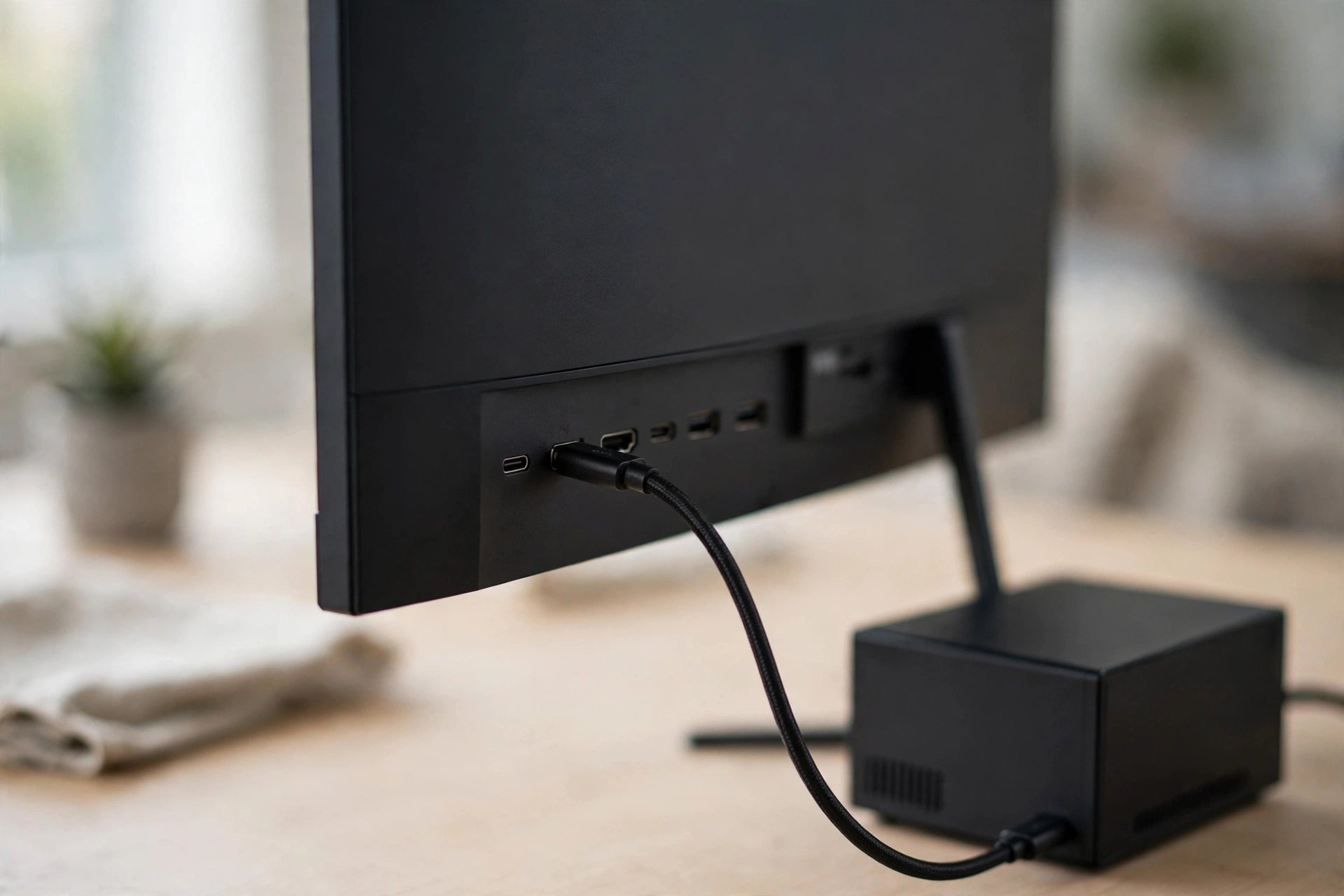
The Mac mini connects over Thunderbolt or HDMI, and the choice affects your desk more than your wallet. A single Thunderbolt or USB-C cable carries video and turns the monitor’s USB ports and Ethernet into a dock. HDMI carries video only, so you’ll run a second cable for peripherals. One quirk: the Mac mini has its own power supply, so even a 65W USB-C monitor is perfectly fine — don’t overpay for 90W+ delivery unless you’re charging other devices through the display.
How to Choose the Right Display
Start with your eyes, not the spec sheet. If you read and write text for a living, prioritise a 27-inch 5K panel — the jump from 163 to 218 PPI is the single biggest upgrade in this roundup, which is why four of our seven picks are 5K.
Match refresh rate to the work. Video editors will notice accurate colour more than 120Hz; gamers and spreadsheet warriors will feel 120Hz every day. The Dell U2725QE and S2725QC give you smooth motion and good panels, while the 5K picks sit at 60–70Hz.
Don’t buy a camera you won’t use. Only the Studio Display includes a proper webcam and speaker system. Every other pick assumes a separate webcam — factor that into the price comparison, and the Studio Display’s $1,599 looks less extreme.
Check the stand. Apple charges extra for a height-adjustable stand on the Studio Display; the Dell and ASUS picks include fully adjustable stands in the box, and all seven are VESA-mountable for a cheap monitor arm.
FAQ: Best Monitor for Mac Mini
Why is 5K better than 4K for a Mac mini?
At 27 inches, a 5K panel reaches 218 pixels per inch — the same density as Apple’s Retina displays — so macOS renders in perfect pixel-doubled mode. A 27-inch 4K panel (163 PPI) lands in an awkward middle zone where macOS uses fractional scaling, which looks slightly softer. 4K is still good; 5K is visibly sharper.
Do I need a Thunderbolt monitor for a Mac mini?
No — HDMI and USB-C work fine too. Thunderbolt’s main advantages are daisy-chaining displays and high-wattage laptop charging. Since the Mac mini powers itself, a plain USB-C monitor with DisplayPort Alt Mode gives you the same single-cable video plus a USB hub, usually for less money.
Can a Mac mini run two monitors?
Yes, using combinations of its rear Thunderbolt and HDMI outputs. Exact combinations depend on the chip configuration, so check Apple’s official specs for your model — but dual 4K or a 5K-plus-4K pairing are both realistic.
Is 120Hz worth it on a Mac?
macOS supports high refresh rates natively, and 120Hz makes scrolling and window dragging noticeably smoother. It won’t make text sharper — that’s the panel’s job — but if you game or edit video, the 120Hz picks here (Dell U2725QE, Dell S2725QC, Dell U4025QW) are worth the modest premium.
The Bottom Line
The best monitor for Mac mini depends on what you’ll stare at all day. For most buyers, the BenQ MA270S (approx. $999) is the sweet spot — true 5K Retina sharpness with real Mac integration for $600 less than Apple’s display. Value hunters should grab the ASUS ProArt PA27JCV (approx. $700–799) for the cheapest 5K pixels, or the Dell S2725QC (approx. $350) if 4K is enough. Power users who want a dock, Ethernet and 120Hz should look at the Dell U2725QE (approx. $650); deep pockets buy the Apple Studio Display (from $1,599). Whichever you choose, buy the panel for the work you do — and check the stand height before you check out.