Finding the best mechanical keyboard under $100 used to mean settling for cheap plastic and mushy keys. Not any more. In 2026, sub-£100 boards come with gasket mounts, hot-swappable switches, doubleshot PBT keycaps and tri-mode wireless — features that used to cost three times as much. Whether you type all day, game all night, or do a bit of both, there is a board on this list that will feel like it cost far more than it did.
We rounded up seven standout models that consistently earn praise from reviewers and owners alike. Every pick is hot-swappable, every price below is approximate as of October 2026, and every one is worth your money. This is our shortlist for the best mechanical keyboard under $100 this year.

Contents
- How to Choose the Best Mechanical Keyboard Under $100
- Quick Comparison Table
- The 7 Best Mechanical Keyboards Under $100 in 2026
- Frequently Asked Questions
- Final Verdict
How to Choose the Best Mechanical Keyboard Under $100
Before we get to the picks, here is what actually matters when shopping for a budget board:
- Hot-swap sockets let you pull switches out and push new ones in without soldering. This is the single most important feature at this price, because it means your keyboard can grow with you.
- Switch type: Linear (red) switches are smooth and quiet — great for shared spaces. Tactile (brown) switches give a small bump for feedback. Clicky (blue) switches are loud; skip them in offices.
- Gasket mount cushions the plate inside the case, giving a softer, deeper typing sound. Almost all of our picks have it.
- Layout: 75% keeps function keys in a compact frame; TKL drops the numpad but keeps navigation keys; full-size has everything. Smaller is not worse — it is a desk-space choice, so pick the size that suits how you work when shortlisting the best mechanical keyboard under $100.
- Connectivity: Wired is cheapest and most reliable. Tri-mode (Bluetooth + 2.4GHz + wired) costs a little more but frees your desk.
- QMK/VIA support means you can remap any key and build macros without janky vendor software.

With those basics covered, let us look at the actual boards. Each of these is a genuine contender for the best mechanical keyboard under $100 title, and all prices are marked approximate as of Oct 2026.
Quick Comparison Table
| Keyboard | Best For | Price (approx.) | Layout | Switch Type | Connectivity |
|---|---|---|---|---|---|
| Keychron V1 | Best overall | ~$84 | 75% | Linear / tactile options | Wired USB-C |
| AULA F75 Pro | Best wireless value | ~$75 | 75% | Linear (pre-lubed) | Bluetooth / 2.4GHz / wired |
| Royal Kludge RK84 | Best multi-device | ~$75 | 75% | Linear / tactile / clicky options | Bluetooth / 2.4GHz / wired |
| Keychron C2 Pro | Best full-size | ~$55 | 100% | Linear / tactile options | Wired USB-C |
| Keychron V3 | Best TKL | ~$84 | 87-key TKL | Linear / tactile options | Wired USB-C |
| Ajazz AK820 Pro | Best typing feel | ~$65 | 75% | Linear (pre-lubed) | Bluetooth / 2.4GHz / wired |
| Redragon K556 | Best ultra-budget | ~$45 | 100% | Linear / tactile / clicky options | Wired USB-C |
All prices are approximate, as of Oct 2026, and vary with sales, switch choice and colour. Every contender for the best mechanical keyboard under $100 below earns its place on typing feel and features — not just price.
The 7 Best Mechanical Keyboards Under $100 in 2026
1. Keychron V1 — Best Overall
The Keychron V1 is our top pick for the best mechanical keyboard under $100. Its 75% layout keeps the keys most people actually use, the gasket-mounted plate gives it a soft, satisfying thock, and full QMK/VIA support means every key is remappable. Hot-swap sockets let you experiment with switches down the road without buying a new board.
Pros: Excellent typing feel for the price; QMK/VIA remapping; doubleshot PBT keycaps; solid aluminium option under $100.
Cons: Wired only — no wireless; south-facing LEDs are dimmer through thick keycaps.
2. AULA F75 Pro — Best Wireless Value
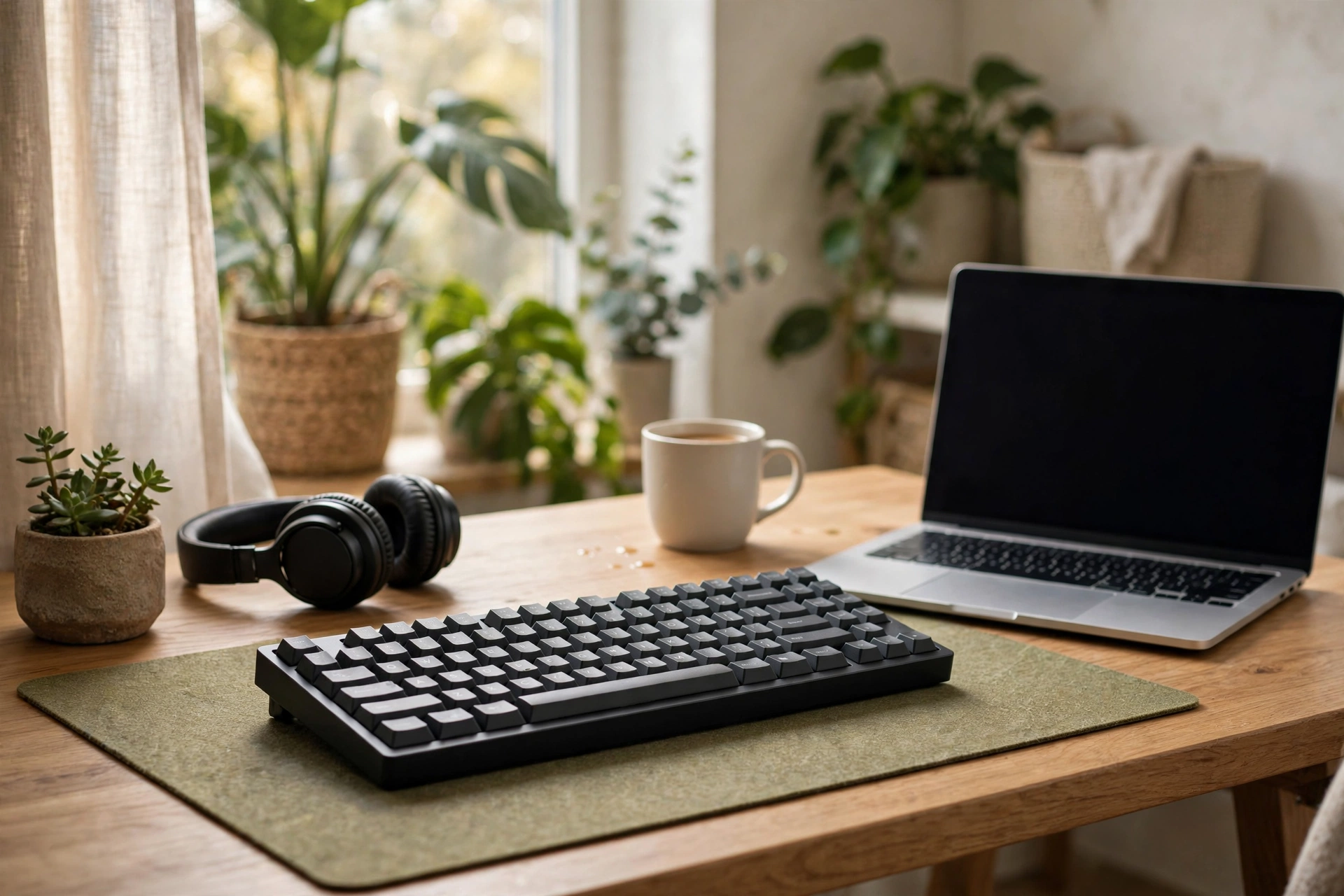
If you want to cut the cable, the AULA F75 Pro is the wireless pick to beat. It packs tri-mode connectivity (Bluetooth, 2.4GHz and wired), a gasket mount, pre-lubed linear switches that sound great out of the box, and a small display — all for comfortably under $100. It is the board we recommend most to people upgrading from a laptop keyboard, especially if you are refreshing a whole desk setup like the ones in our RTX Spark laptop guide.
Pros: True tri-mode wireless; great sound out of the box; handy status display; superb value.
Cons: No QMK/VIA support; vendor software is forgettable.
3. Royal Kludge RK84 — Best for Multi-Device Setups
The Royal Kludge RK84 has been a budget favourite for years, and it is still one of the strongest wireless contenders for the best mechanical keyboard under $100. Tri-mode connectivity switches between three devices at a keypress, making it ideal if you hop between a desktop, laptop and tablet. Hot-swap sockets and a wide choice of switch types round out the package.
Pros: Proven tri-mode wireless; hot-swappable; pairs with three devices; often on sale well under $80.
Cons: Stock keycaps are thin; software feels dated.
4. Keychron C2 Pro — Best Full-Size
Need a numpad? The Keychron C2 Pro brings the same winning formula as its smaller siblings — hot-swap, gasket mount, doubleshot PBT keycaps and QMK/VIA — to a full-size 104-key layout, and it does it for around $55. If spreadsheets and data entry are your life, this is the board for you.
Pros: Full-size with numpad at a bargain price; QMK/VIA; hot-swappable; Mac/Windows switch.
Cons: Wired only; large footprint eats desk space.
5. Keychron V3 — Best TKL
The Keychron V3 takes everything good about the V1 and stretches it into a tenkeyless layout with a full navigation cluster — dedicated arrows, Home, End, Page Up and Page Down. Programmers and writers who live in those keys will appreciate it. Like the V1, you get hot-swap, gasket mounting and QMK/VIA programmability, which is why Keychron dominates discussions of the best mechanical keyboard under $100 — the company simply builds more board for the money. (Official specs and firmware live on Keychron’s own site if you want to dig deeper.)
Pros: Full nav cluster in a compact frame; QMK/VIA; gasket mount; hot-swappable.
Cons: Wired only; no wireless option at this price.
6. Ajazz AK820 Pro — Best Typing Feel
The Ajazz AK820 Pro is the enthusiast sleeper hit of the budget scene. A gasket-mounted 75% board with pre-lubed linear switches, a crisp TFT screen and tri-mode wireless, it types and sounds like boards costing twice as much. If pure typing pleasure is your priority, this might be the best mechanical keyboard under $100 for you personally.

Pros: Superb out-of-box sound and feel; tri-mode wireless; TFT screen; often discounted.
Cons: Brand is less known; no QMK/VIA.
7. Redragon K556 — Best Ultra-Budget
At around $45, the Redragon K556 is the cheapest serious board on this list and proof you do not need $100 to go mechanical. You get a full-size aluminium-framed board with hot-swap sockets and RGB backlighting — a combination that was unthinkable at this price a few years ago. The switches are not as refined as the Keychrons, but for gaming sessions (it pairs nicely with the portables in our best gaming handheld roundup) it is a lot of keyboard for the money.
Pros: Unbeatable price; aluminium frame; hot-swappable; full-size with RGB.
Cons: Switches feel scratchier than rivals; louder than average; basic stabilisers.
Frequently Asked Questions
Are mechanical keyboards under $100 actually good?
Yes. The budget segment has matured enormously: gasket mounts, hot-swap sockets, PBT keycaps and pre-lubed switches are now standard well under $100. The main things you give up versus $150+ boards are premium case materials and brand-name switches — not typing quality.
Wired or wireless — which is better under $100?
Wired boards give you more keyboard for your money (the Keychron V1 and V3 are prime examples). Wireless tri-mode boards like the AULA F75 Pro and RK84 cost a little more but free you from cables. For competitive gaming, the best mechanical keyboard under $100 for your desk will use wired or 2.4GHz wireless rather than Bluetooth, simply because latency is lower.
What switch should a beginner choose?
Pick a linear (red-style) switch if you are unsure — smooth, quiet and safe for shared spaces. Tactile (brown-style) adds a gentle bump many typists love. Buy a hot-swappable board and you can try both later for a few pounds, which is exactly why hot-swap tops our checklist for the best mechanical keyboard under $100.
Final Verdict
The best mechanical keyboard under $100 in 2026 is the Keychron V1 for most people: unbeatable typing feel, full programmability and hot-swap at around $84. Want wireless? Get the AULA F75 Pro. Need a numpad? The Keychron C2 Pro is a steal at ~$55. And if your budget is truly tight, the Redragon K556 gets you in the door for ~$45.
Whichever you pick, you are getting a board that would have cost $150+ a few years ago. Prices move with sales, so check the live price before you buy — and if you are using your new board as a living-room media controller, our Roku secret codes guide is worth a bookmark. For a deeper dive into how mechanical switches actually work, Wikipedia’s keyboard technology article is a solid primer.
As an Amazon Associate, Technorra earns from qualifying purchases made through links on this page. Prices are approximate as of Oct 2026 and may have changed — please check the live price on Amazon before buying.